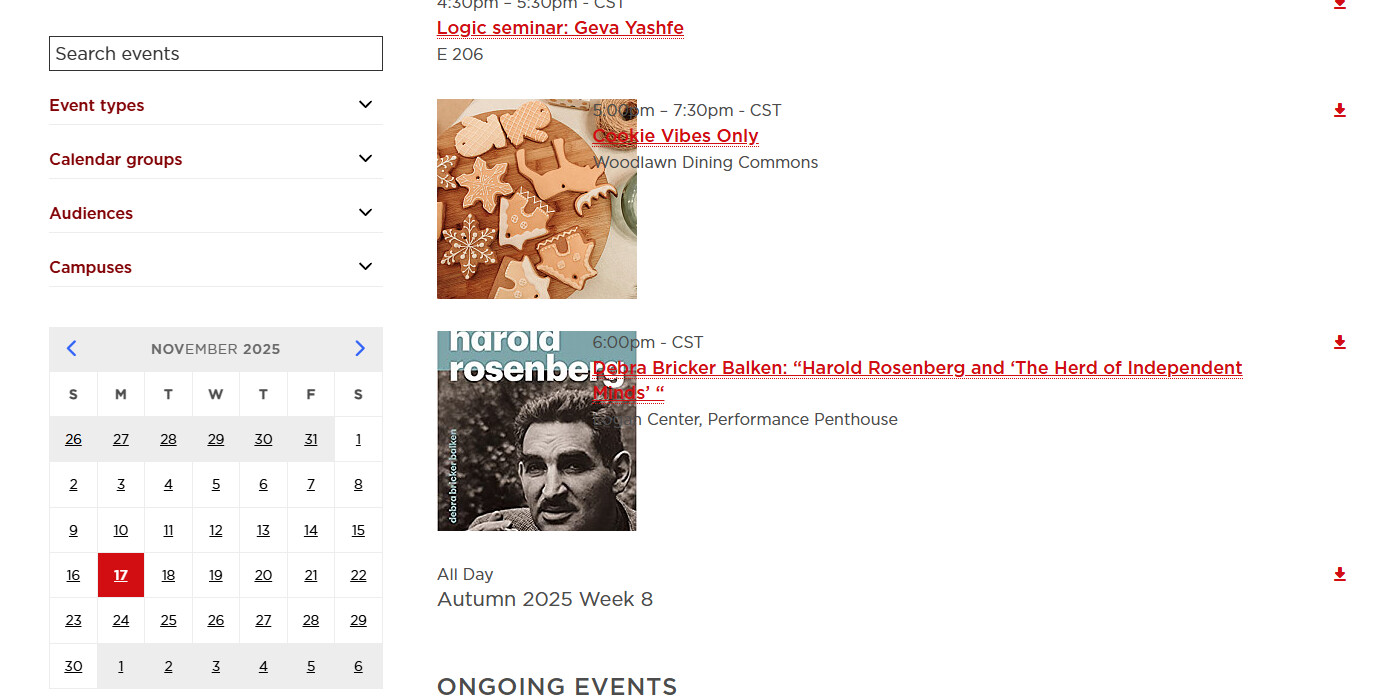
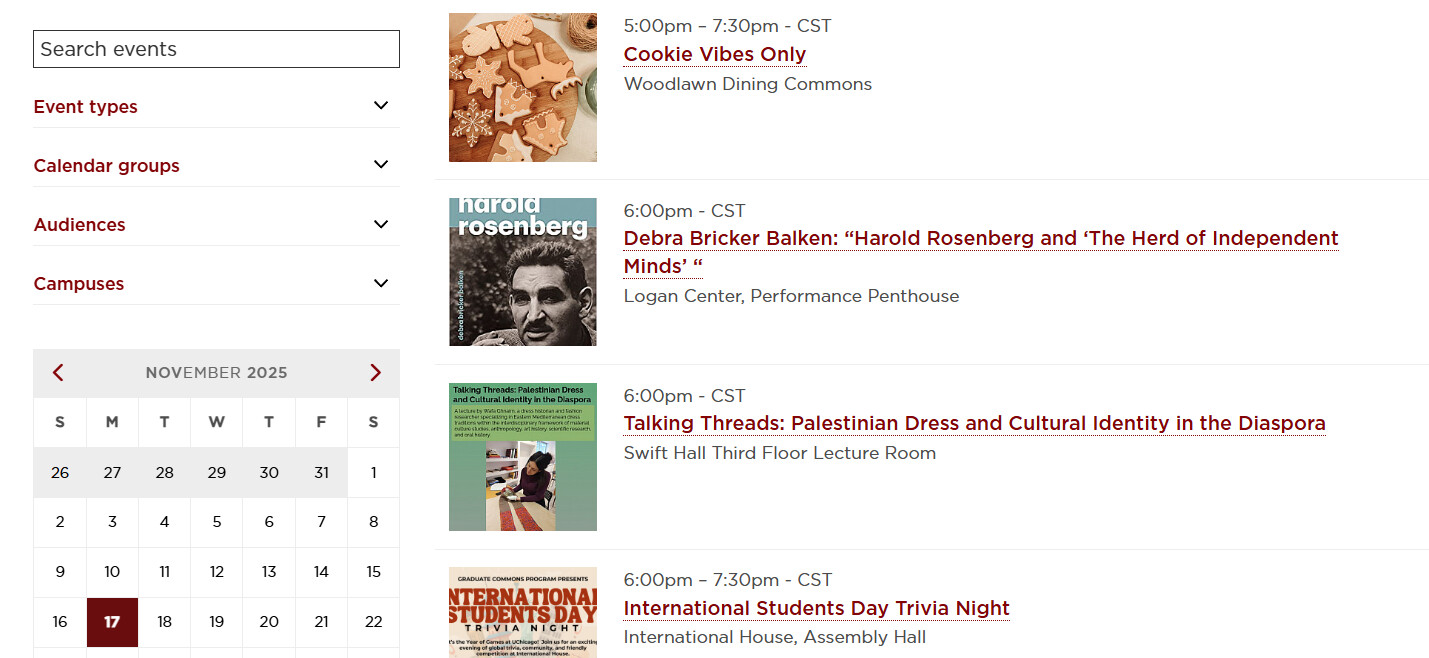
Thanks for reaching out about this and bringing this to our attention. We see what you mean there. We’re taking a closer look at investigating now and will keep you updated here on what we find out.
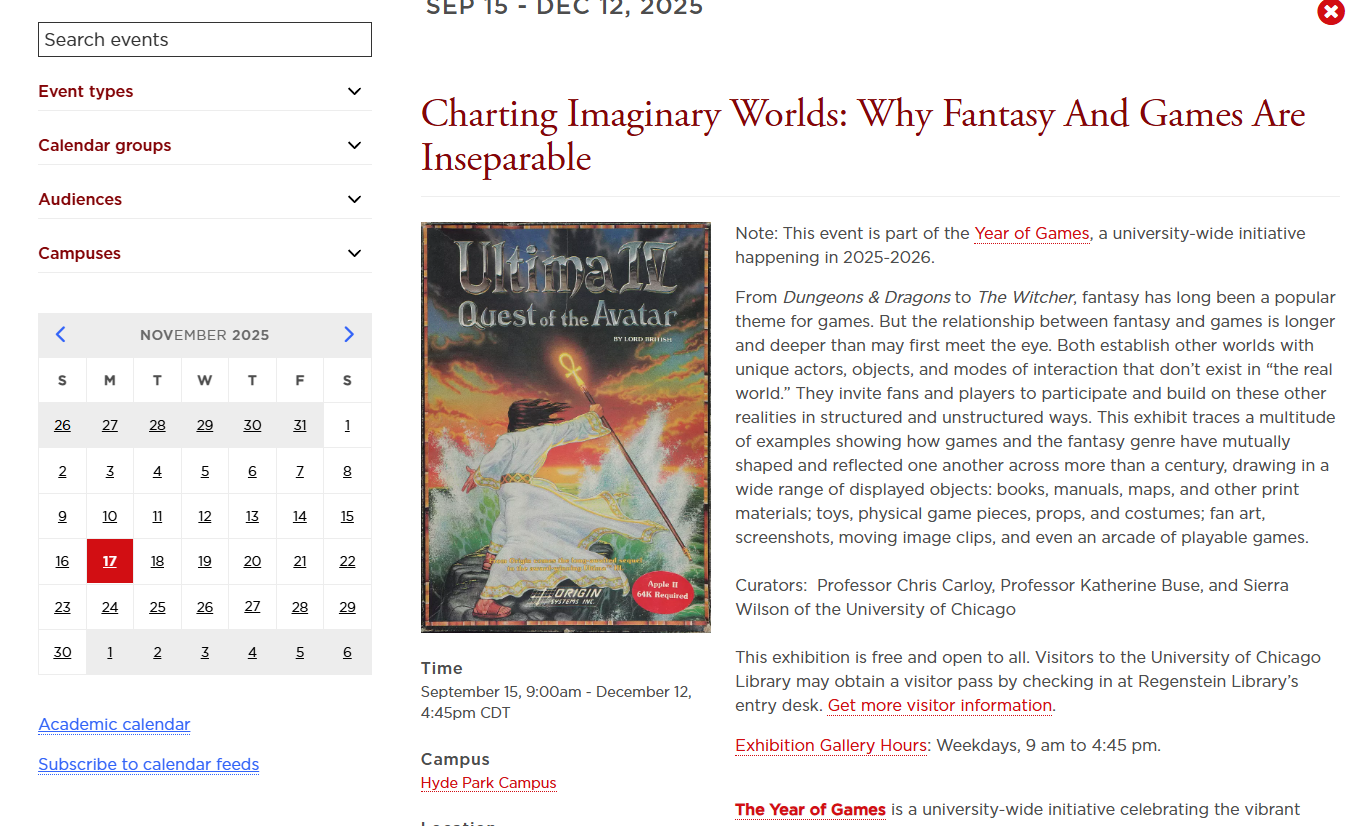
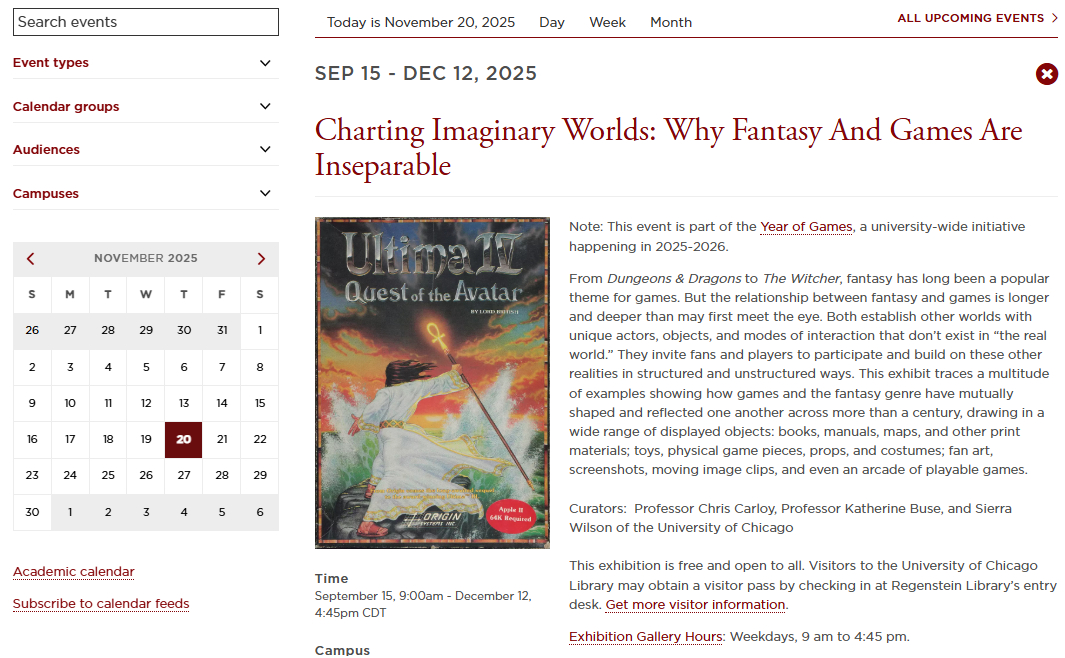
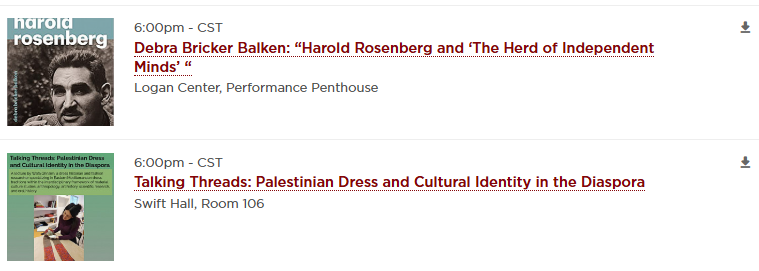
Thank you Rachael, we appreciate it. I’m just diving into it a bit more and noticed this event, the event title is the correct maroon red, but then the links are true red. Just wanted to send another example if that helps, since my original ticket didn’t show an event detail.
Hello,
We have noticed the same/a similar issue in our dev environment this week too. Our custom stylesheets are being overridden by LW’s default ones. I wanted to note this here in case you folks needed another use case.
Thanks – I think we’re aware of it as a 2.22.0-wide styling bug, I expect we’ll diagnose and develop a fix that we can release as a 2.22.1 patch release before the 2.22.0 version goes onto any production servers. More soon!
We’ve got a fix for this in place now and have pushed things to dev sites prior to this version being released on production servers on December 07, 2025.
We had been making some performance optimizations and combining files earlier which introduced a bug that LiveWhale couldn’t see the themed overrides and instead was showing the core versions vs. the themed version.
That should be on your dev sites now so feel free to double-check that things are looking as expected once more. Thanks again for bringing this to our attention!